
See how Datafy works
Short demo covering real use cases and architecture flow.
End Storage Overprovisioning
Datafy dynamically scales your persistent volumes on demand as your workloads shift, no downtime, no manual intervention.
Tutorials
Datafy dynamically scales your persistent volumes on demand as your workloads shift, no downtime, no manual intervention.
Learn More
Documentation
Datafy automatically scales persistent volumes in real-time. It eliminates manual intervention and downtime by dynamically adjusting storage to match shifting workload demands.
Learn More
Save on Cloud Storage Automatically
Seamless Integration
Applications run unchanged. No code or configuration updates required
No Downtime
Capacity adjusts in real time while workloads continue running
No Filesystem Changes
Existing Linux filesystems remain completely untouched
Reduce Storage Cost
Automatically right-size underutilized EBS volumes
What Engineers Say After Scaling with Datafy

“We help property managers and builders reduce insurance risk across every project.
That means our systems need to be as resilient as the services we deliver.
Datafy’s automatic storage scaling, uptime stability, and usage visibility help us do just that, keeping us focused on risk reduction for our clients instead of worrying about our infrastructure cost and efficiency.”
Michael Rudman
Co-Founder and CTO

“We have highly dynamic environments built on top of AWS EKS, constantly changing according to deployment needs.
We deployed Datafy using Helm and have been able to reduce our EBS footprint by half, without interrupting cluster availability.”
Noam Brendel
DevOps Group Manager


“We run MongoDB on EC2, and Datafy helped us cut our storage capacity by 50% without requiring any changes to our existing infrastructure,
while continuing to fully support our day-to-day operations and disaster recovery process.”
Ben Neumann
Senior Director, DevOps

Easy as 1-2-3
Install
- One line install for any EC2 instance. Full compatibility with any IaC such as Terraform
- Supporting Kubernetes clusters and PV optimization, with HELM install & CSI compatibility
- Completely seamless to your applications – 0 engineering team hours
Monitor
- EBS utilization in real-time
- Compatible with Prometheus for self-monitoring
- Choose which volumes you want Datafy to manage
Self Optimization
- Sit back and watch your cloud bill go down as Datafy only provisions the disk space you use
- Give your DevOps teams a break as you will never run out of space or need to change the EBS volumes
Install Sensor in Seconds, See Value Instantly
Use Cases
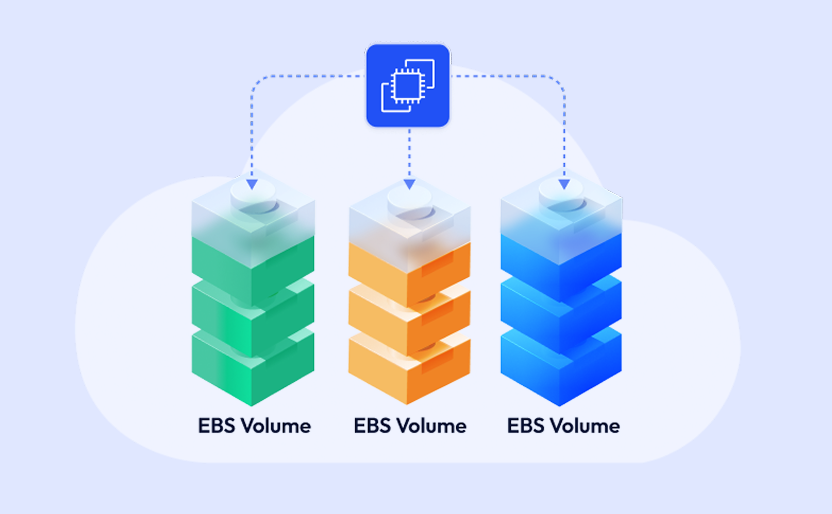
EC2
Never run out of I/O again. Datafy dynamically scales EBS volumes to meet demand. No downtime, no disruptions.
Learn More

Kubernetes
Datafy dynamically scales your persistent volumes on demand as your workloads shift, no downtime, no manual intervention.
Learn More

Databases
Keep up with demand by automatically scaling storage for your databases, queues, logs, and more. No downtime. No maintenance headaches.
Learn More
Secure. Compliant. Reliable


FAQ
Sensor
How do I install Sensor? How long will it take?
Installing Datafy Sensor in your environment can be done with a 1-line command, and takes less than 10 minutes. To get started, follow the steps in our installation guide (https://docs.datafy.io/set-up-and-installation).
Will installing Sensor cause any downtime?
No, installing Datafy Sensor does not require any downtime at all.
Is the Sensor really free?
Yes, it is! You can use Datafy Sensor for as long as you’d like, free of charge.
EBS Auto-Scaler
What is Datafy AutoScaler?
Datafy AutoScaler is a cloud storage management solution that automatically grows and shrinks your EBS volumes based on actual usage. It virtualizes the storage layer, presenting a large virtual volume to your applications while managing the underlying EBS volumes in the background to ensure optimal utilization. The result is reduced EBS costs without any changes to your applications or workflows.
What is the difference between Datafy Sensor and Datafy AutoScaler?
Datafy Sensor is a read-only monitoring agent that tracks and reports on your EBS volume utilization. It does not modify your volumes. Datafy AutoScaler includes all of Sensor’s monitoring capabilities, and additionally can manage your volumes directly – automatically growing and shrinking them to match your actual usage.
How does AutoScaler save me money?
EBS volumes are often over-provisioned to avoid running out of space. Datafy eliminates this waste by continuously right-sizing your volumes based on real-time usage. When volumes are underutilized, Datafy shrinks them. When they need more space, Datafy grows them. You only pay for the capacity you’re actually using.
How do I install AutoScaler? How long will it take?
Installing Datafy AutoScaler can be done with a single command and takes less than 10 minutes. To get started, follow the steps in our installation guide (https://docs.datafy.io/set-up-and-installation/datafy-installation).
Will installing AutoScaler cause any downtime?
No. Installing Datafy AutoScaler does not require any downtime. Your volumes remain fully accessible throughout the installation process.
Can I upgrade from Sensor to AutoScaler?
Yes. If you already have Datafy Sensor installed, you can upgrade to AutoScaler without reinstalling. Follow the steps in our upgrade guide (https://docs.datafy.io/set-up-and-installation/upgrading-datafy).
What does "growing" a volume mean?
Growing is the process of automatically adding storage capacity to a volume when its usage increases. Datafy detects that a volume is running low on space and provisions additional capacity in the background, with zero downtime. Your applications continue running without interruption.